|
这个版本仍在开发中,尚未达到稳定状态。请使用最新稳定的版本 Spring Security Kerberos 2.2.0! |
Spring Security Kerberos 示例
本部分参考文档将介绍示例项目。这些示例可以通过从 github.com/spring-projects/spring-security-kerberos 构建主发行版来手动编译。
|
如果直接运行示例,它将无法正常工作,直到应用了正确的配置为止。请参见下方针对具体示例的说明。 |
Security Server Windows Auth 示例 适用于 Windows 环境的示例
安全服务器端认证示例 使用服务器端认证器的示例
Security Server Spnego 和表单认证示例 使用 SPNEGO 和表单进行ticket验证的示例
Security Client KerberosRestTemplate 示例 KerberosRestTemplate 的示例
安全服务器 Windows 身份验证示例
本示例的目标:
-
在 Windows 环境中,用户将能够使用登录 Windows 时输入的 Windows Active Directory 凭据登录应用程序。系统不应再要求用户提供用户名/密码凭据。
-
在非 Windows 环境中,系统将向用户显示一个界面,用于提供 Active Directory 凭据。
server:
    port: 8080
    app:
        ad-domain: EXAMPLE.ORG
        ad-server: ldap://WIN-EKBO0EQ7TS7.example.org/
        service-principal: HTTP/[email protected]
        keytab-location: /tmp/tomcat.keytab
        ldap-search-base: dc=example,dc=org
        ldap-search-filter: "(| (userPrincipalName={0}) (sAMAccountName={0}))"
在上面,您可以看到此示例的默认配置。
您可以使用常规的 Spring Boot 技巧来覆盖这些设置,例如使用命令行选项或自定义 application.yml 文件。
运行一个服务器。
$ java -jar sec-server-win-auth-2.1.2-SNAPSHOT.jar|
您可能需要在 Linux 上使用自定义的 Kerberos 配置,可以通过使用
|
|
有关如何在 Windows Kerberos 环境中操作的更多说明,请参阅设置 Windows 域控制器。 |
使用域凭据登录 Windows 8.1 并访问示例
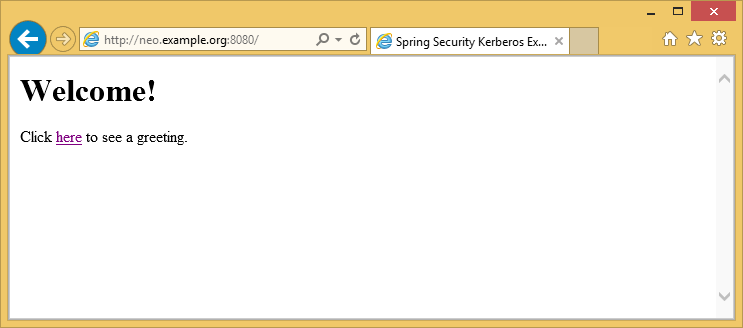
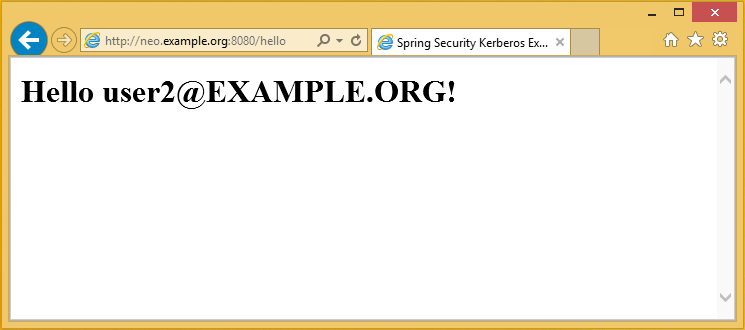
从非 Windows 虚拟机访问示例应用程序,并手动使用域凭据。
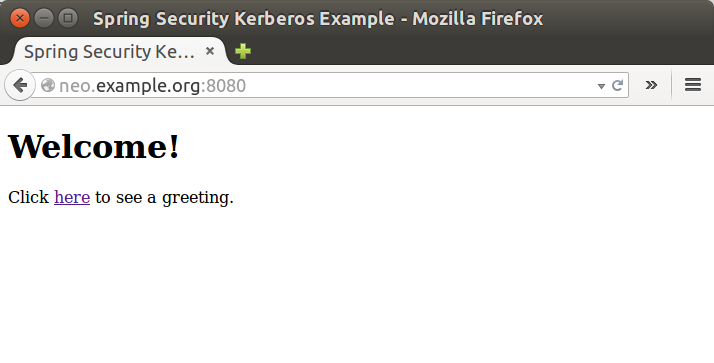
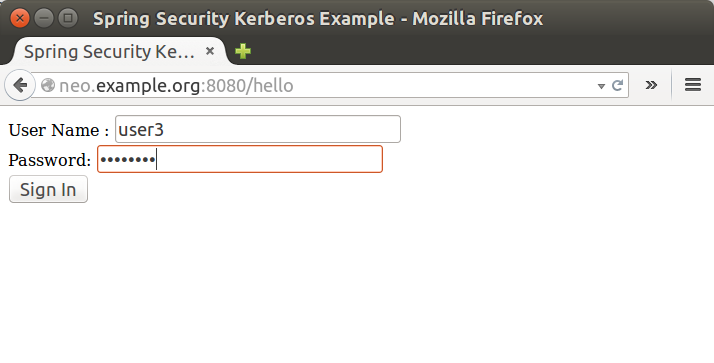
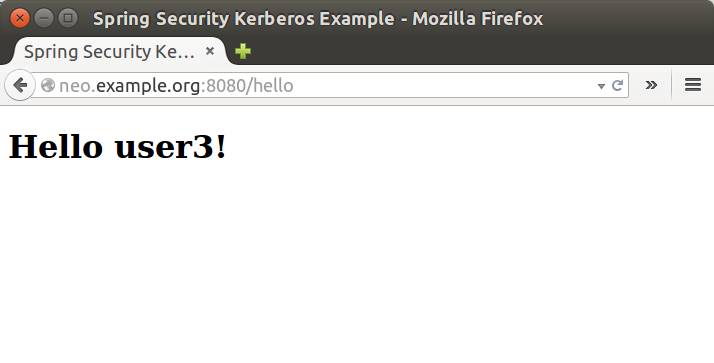
服务端安全认证示例
此示例演示了服务器如何使用通过表单登录传递的用户凭据,在 Kerberos 环境中对用户进行身份验证。
运行一个服务器。
$ java -jar sec-server-client-auth-2.1.2-SNAPSHOT.jarserver:
port: 8080安全服务器 Spnego 和表单认证示例
此示例演示了如何配置服务器,使其既能接受来自浏览器的基于 SPNEGO 的协商认证,又能在必要时回退到基于表单的认证。
使用 user1 主体,设置 MIT Kerberos,
使用凭据手动执行 Kerberos 登录。
$ kinit user1
Password for [email protected]:
$ klist
Ticket cache: FILE:/tmp/krb5cc_1000
Default principal: [email protected]
Valid starting Expires Service principal
10/03/15 17:18:45 11/03/15 03:18:45 krbtgt/[email protected]
renew until 11/03/15 17:18:40或使用 keytab 文件。
$ kinit -kt user2.keytab user1
$ klist
Ticket cache: FILE:/tmp/krb5cc_1000
Default principal: [email protected]
Valid starting Expires Service principal
10/03/15 17:25:03 11/03/15 03:25:03 krbtgt/[email protected]
renew until 11/03/15 17:25:03运行一个服务器。
$ java -jar sec-server-spnego-form-auth-2.1.2-SNAPSHOT.jar现在你应该能够打开浏览器,并使用现有的ticket进行 SPNEGO 身份验证了。
|
有关配置浏览器以使用 SPNEGO 的更多说明,请参阅配置浏览器以进行 SPNEGO 协商。 |
server:
    port: 8080
app:
service-principal: HTTP/[email protected]
keytab-location: /tmp/tomcat.keytab安全客户端 KerberosRestTemplate 示例
这是一个使用 Spring RestTemplate 访问受 Kerberos 保护资源的示例。您可以将其与 安全服务器 SPNEGO 与表单认证示例 结合使用。
默认应用程序配置如下所示。
app:
    user-principal: [email protected]
    keytab-location: /tmp/user2.keytab
    access-url: http://neo.example.org:8080/hello
使用 user1 主体,设置 MIT Kerberos,
使用凭据手动执行 Kerberos 登录。
$ java -jar sec-client-rest-template-2.1.2-SNAPSHOT.jar --app.user-principal --app.keytab-location|
在上面的示例中,我们只是将 |
如果操作成功,你应该会看到以下输出:[email protected]。
<html xmlns="http://www.w3.org/1999/xhtml"
      xmlns:sec="http://www.thymeleaf.org/thymeleaf-extras-springsecurity3">
  <head>
    <title>Spring Security Kerberos Example</title>
  </head>
  <body>
    <h1>Hello [email protected]!</h1>
  </body>
</html>
或者使用带有 keytab 文件的 user2。
$ java -jar sec-client-rest-template-2.1.2-SNAPSHOT.jar如果操作成功,你应该会看到以下输出:[email protected]。
<html xmlns="http://www.w3.org/1999/xhtml"
      xmlns:sec="http://www.thymeleaf.org/thymeleaf-extras-springsecurity3">
  <head>
    <title>Spring Security Kerberos Example</title>
  </head>
  <body>
    <h1>Hello [email protected]!</h1>
  </body>
</html>